For owner-operators

Know where the money is every morning.

Owner command opens with revenue, workload, and deferred work worth recovering. Every number opens the repair order behind it. The week closes on time, and every follow-up has a name on it.

Every morningRevenue visibilityWorkload, revenue, and deferred work on one screen
RecoveredDeferred workDeclined services back on the schedule
WeeklyWeekly closeEvery number current and reconciled
Every follow-upStaff accountabilityA name and an outcome on the record

The owner question is not which report to open. It is where the money is and who is on it.

The owner morning

Owner screens

Revenue first. Then the work behind it.

Owner command and reporting show the money. Deferred services and parts show where it comes from and where it leaks.

01 / Owner command

See revenue, workload, and deferred work on one screen.

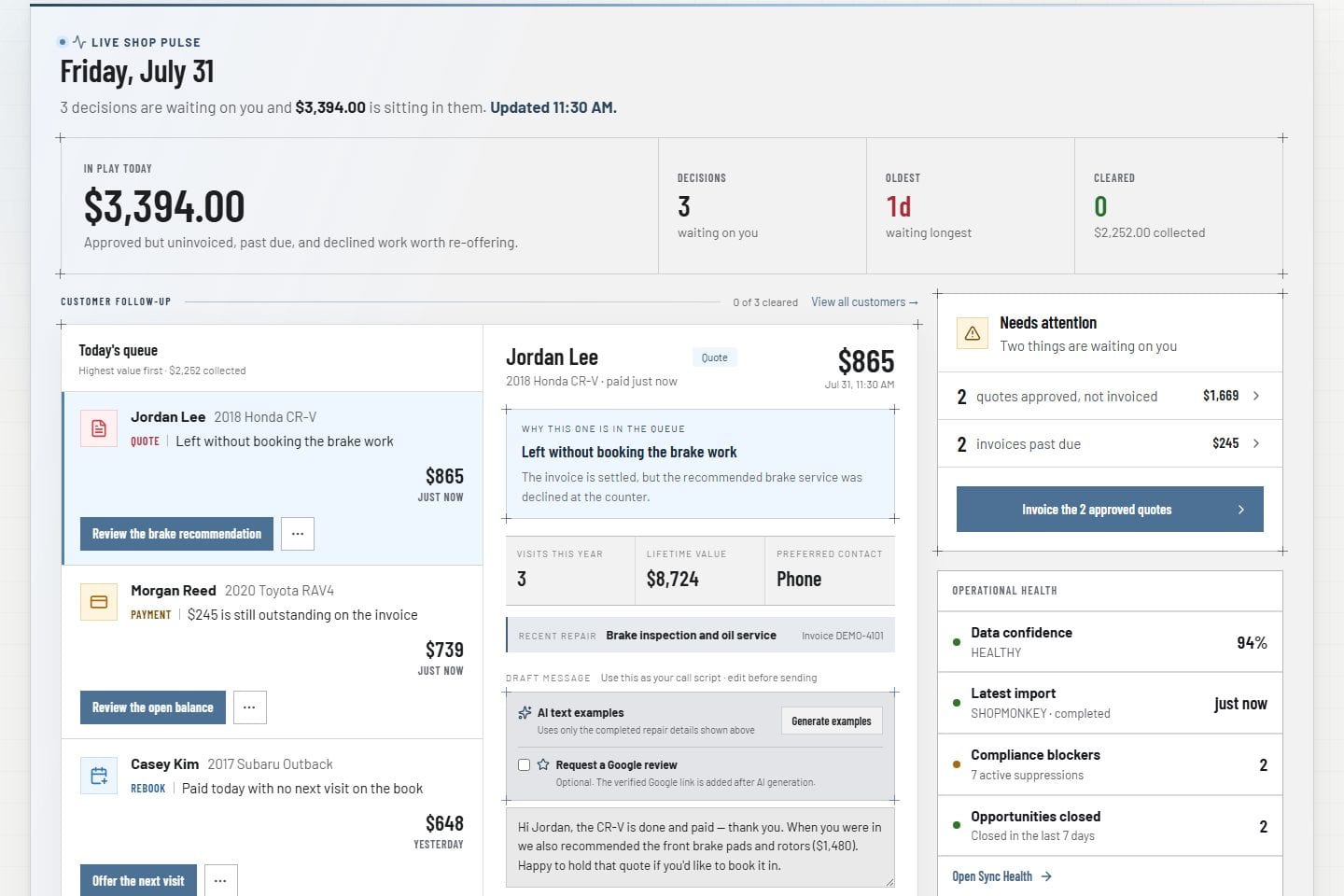
Owner command opens with today's workload, revenue to date, deferred work worth recovering, and customer follow-up. Each number opens the customer, vehicle, or repair order that produced it.

  • Revenue and workload before the first car arrives
  • Deferred work valued and ready to recover
  • Every number opens the record behind it
See owner analytics
Owner command Product screens shown with demo data.
VehicleDesk owner command dashboard with shop performance and follow-up context

02 / Performance reporting

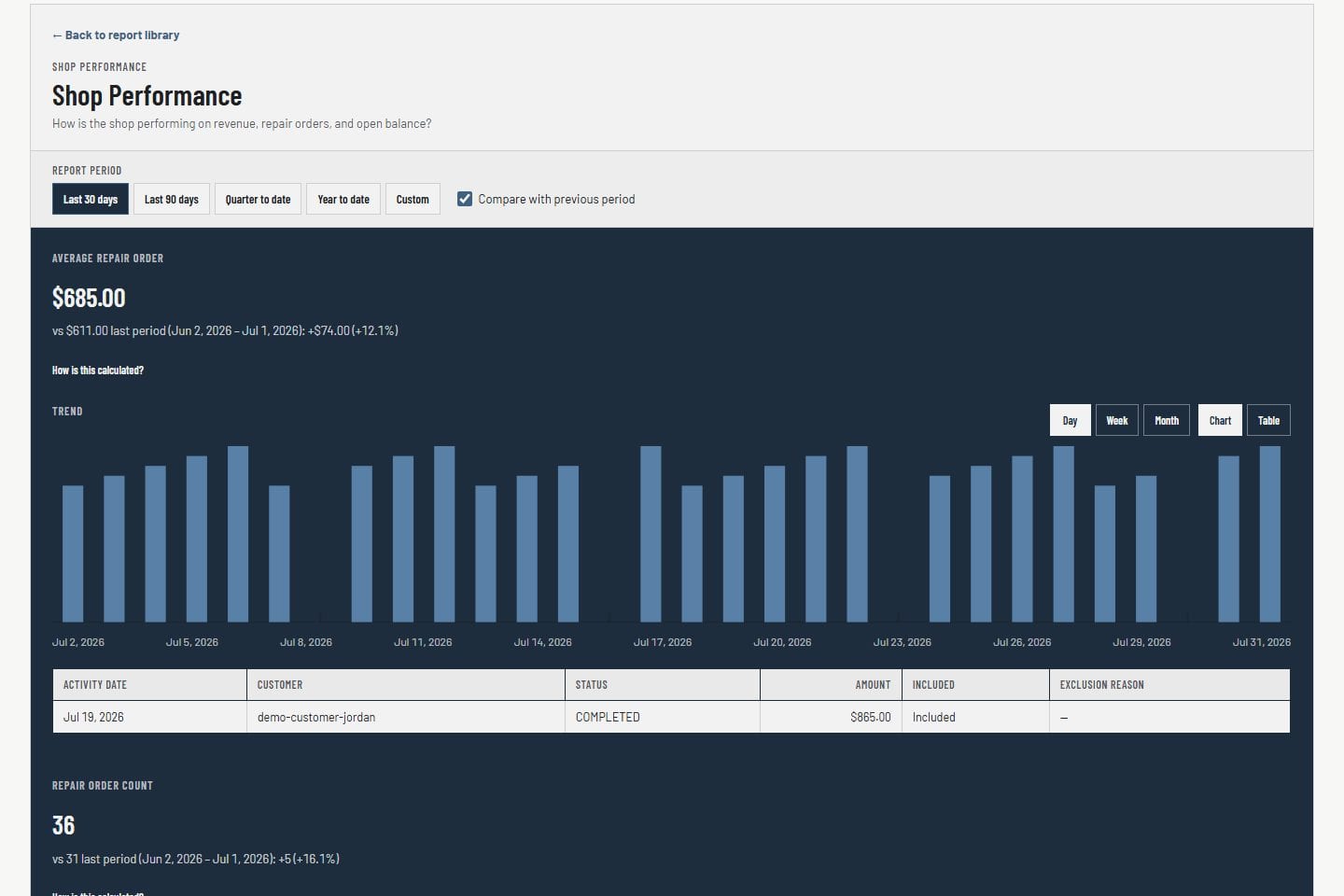
Read revenue, visits, and repair orders by any range.

Move from this morning to any date range. Revenue, visits, and repair-order activity read by period and dimension. Open the repair orders behind the trend instead of stopping at the chart.

  • Revenue, visits, and repair-order activity
  • Any date range and operating dimension
  • Numbers stay current with the sync
See owner analytics
Performance reporting Product screens shown with demo data.
VehicleDesk reports workspace with revenue, repair-order, visit, and range context

03 / Deferred services

Recover the work customers already said no to.

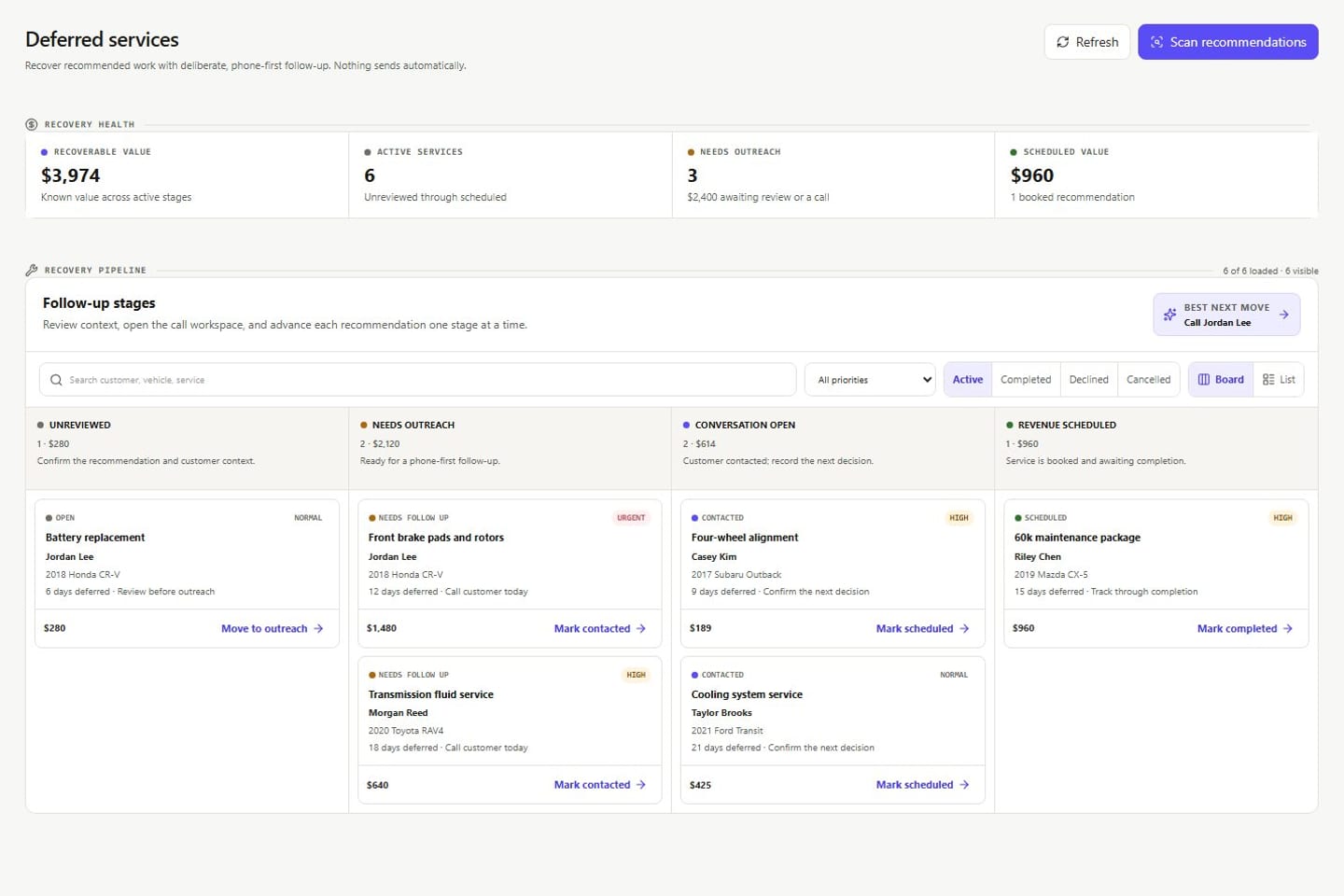
Every declined recommendation keeps its customer, vehicle, value, and notes. Advisors move it from open to contacted to scheduled. You see what is still open, what has a next step, and who owns it.

  • Open, follow-up, contacted, and scheduled stages
  • Customer, vehicle, and value on every card
  • Every stage change carries a name
See deferred services
Deferred recovery Product screens shown with demo data.
VehicleDesk deferred-service pipeline with service and customer records

04 / Parts and vendor costs

Put every vendor invoice on the repair order that caused it.

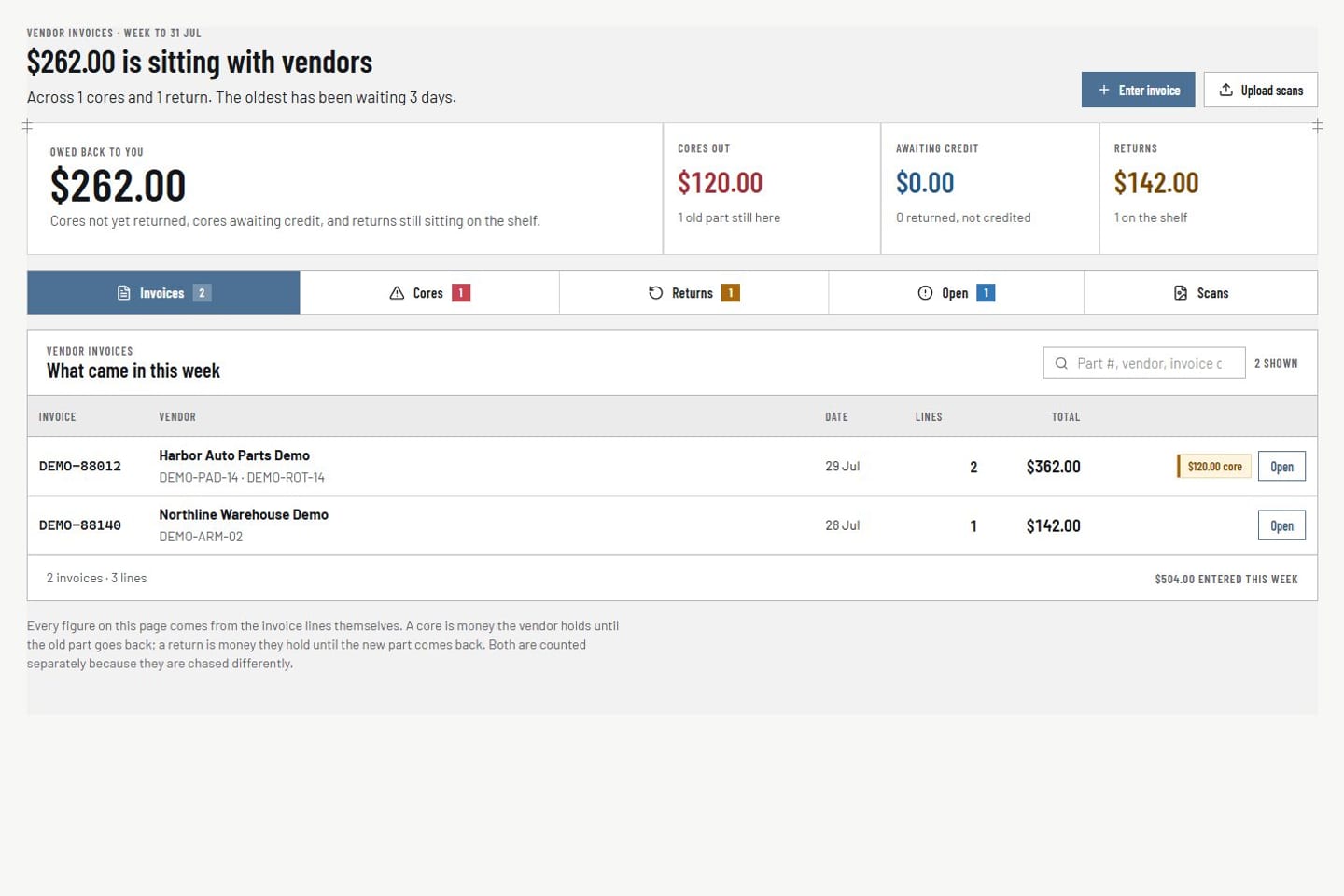
Parts control records the vendor invoice, links it to the repair order, and keeps returns, cores, and credits distinct. Aged open costs stay visible until they are resolved.

  • Vendor invoices tied to the repair order
  • Returns, cores, and credits tracked separately
  • Aged open costs visible until resolved
See parts and vendor costs
Parts and vendor costs Product screens shown with demo data.
VehicleDesk parts workspace with vendor invoices, returns, cores, and repair-order context

Owner cadence

A morning pass, a weekly close.

Read the shop in the morning, drill into the work, check who owns each follow-up, and close the week with the numbers current.

  1. 01

    Read the shop

    Owner command shows workload, revenue, and deferred work before the day starts.

  2. 02

    Open the records

    Drill into the customers, vehicles, repair orders, and parts behind each number.

  3. 03

    Check accountability

    See what each advisor recorded, what is still open, and who owns the next step.

  4. 04

    Close the week

    The weekly close reconciles revenue, payments, and parts costs with every number current.

System of record

Shopmonkey stays the system of record. VehicleDesk runs the day.

Owner views run on customers, vehicles, repair orders, invoices, and payments synced from Shopmonkey. Every message to a customer is consent-checked before it sends.

Other seats

Three seats. One set of records.

Owners see the money. Advisors get a prepared day. Independent shops run the whole day on top of Shopmonkey.

Book a demo

See an owner morning with your kind of records.

Bring one real morning. We walk through revenue, deferred work, parts costs, and the weekly close on VehicleDesk.