Inactive Customers

Find quiet relationships and bring them back into the shop.

VehicleDesk identifies inactivity from visit and service history, keeps the customer and vehicle record in view, and turns each quiet relationship into an owned task, reminder, or opportunity.

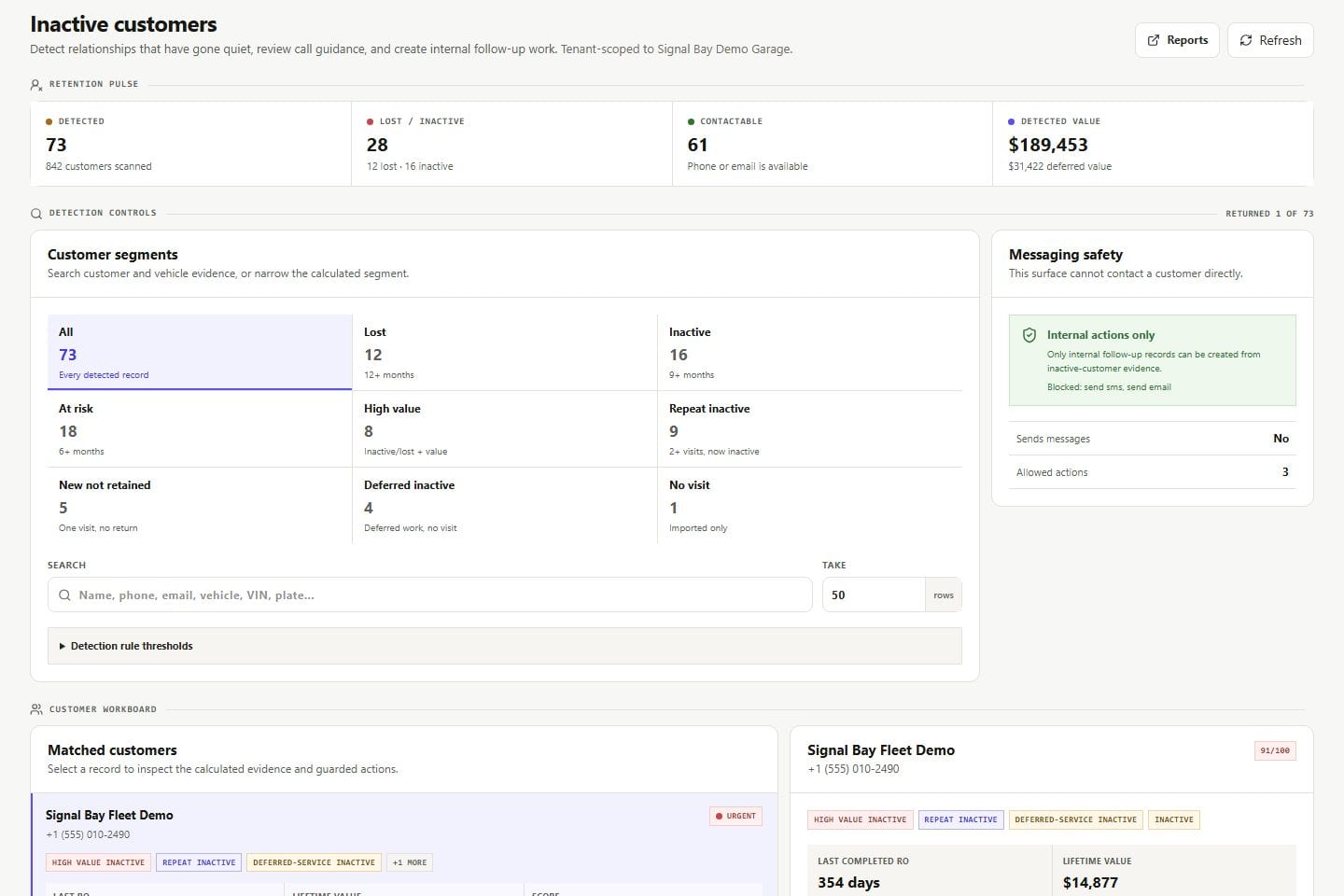
Inactive customers Product screens shown with demo data.
VehicleDesk inactive-customer workspace with relationship and next-action evidence

Inactive Customers

Quiet customers come back into view with the history that explains why, and a named owner for the next step.

How it works

Identify quiet relationships, review the record, and assign the work.

Inactivity windows organize the follow-up, every task gets an owner, and the win-back conversation happens with the full record in hand.

01 / Identify

Start from imported activity, not intuition.

The observation window and the last known visit or service explain why a relationship appears quiet.

  • Inactivity windows backed by visit and service history
  • Last visit and service history on the card
  • Every ranking explained by the record
Inactive customers Product screens shown with demo data.
VehicleDesk inactive-customer workspace with relationship and next-action evidence

02 / Review

Open the relationship before creating work.

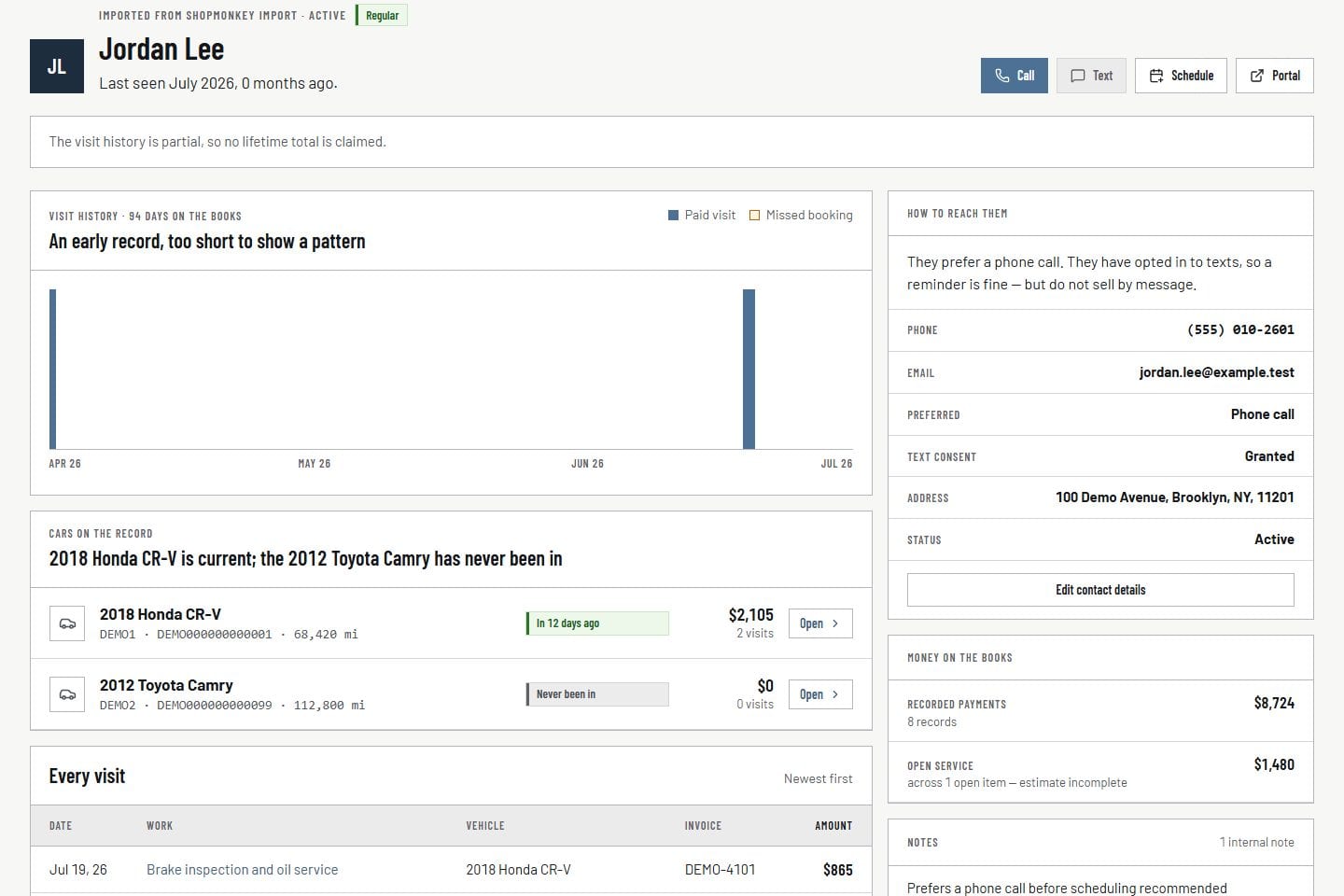
Vehicle, service, value, contact readiness, existing tasks, and open opportunities sit together, so nobody creates a duplicate follow-up.

  • Customer, vehicle, last visit, value, and open work in one view
  • Contact readiness on the card
  • Existing tasks visible before a new one
Customer record Product screens shown with demo data.
VehicleDesk relationship timeline with a customer, vehicles, service, and payment context

03 / Assign

Choose the next step and the owner.

Tasks, reminders, and opportunities keep timing and responsibility attached, so every win-back starts with a name on it.

  • Task, reminder, and opportunity creation
  • Owner and timing on the next step
  • Every contact owned by a person on the team
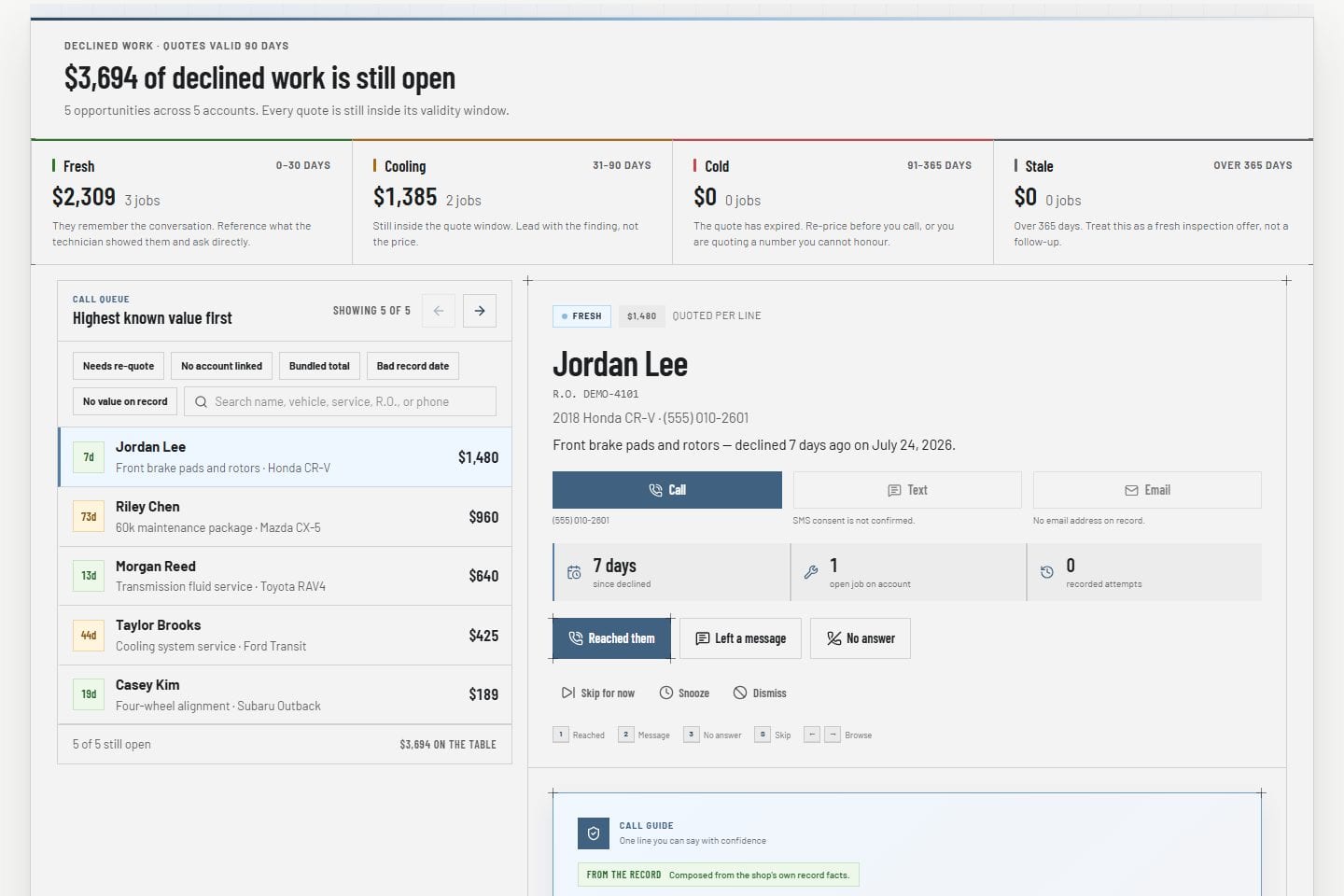
Opportunity Hub Product screens shown with demo data.
VehicleDesk opportunity call queue with a customer, declined work, guardrails, and outcomes

In practice

Find the quiet relationship, then assign a person.

The team reads why the relationship looks quiet, inspects the record, and creates work the shop owns.

  1. 01

    Identify

    Use visit and service history to see why a relationship went quiet.

  2. 02

    Review

    Open vehicles, value, consent, and existing work before creating another task.

  3. 03

    Assign

    Create a task, reminder, or opportunity with an owner and a time.

How it fits

VehicleDesk runs the day. Shopmonkey stays the system of record.

VehicleDesk runs the day and records every action. Your team makes the call to the customer, and Shopmonkey stays the system of record.

Win-back work in VehicleDesk and the conversation your team has

VehicleDesk

Quiet relationships, surfaced

Inactivity windows organize follow-up from imported visit and service history.

  • Inactivity windows backed by history
  • Relationship context on the card
  • Task and reminder creation

Your team

The win-back conversation

Win-back work starts as an owned task, and the conversation happens person to person with consent checked first.

  • A named owner on every step
  • Consent and eligibility checked first
  • Outcomes recorded on the relationship

Connected work

Win-back work begins with the relationship record.

Inactive-customer review works beside deferred recommendations and the Opportunity Hub, with every task and outcome attached to the customer record.

  • Customer relationship

    Confirm vehicles, visits, service, notes, consent, value, and existing work.

    Open this workflow
  • Opportunity Hub

    Move a qualified opportunity into the focused call queue.

    Open this workflow
  • Today and reminders

    Place the next action on the day plan and keep unfinished work visible.

    Open this workflow

Book a demo

Run an inactive-customer review with your team.

Bring one quiet relationship. We will read the visit history, the record, and the next step.